Below is a typical example of an SPM screen, in this case the Patient Registration Tab in Patient Mode.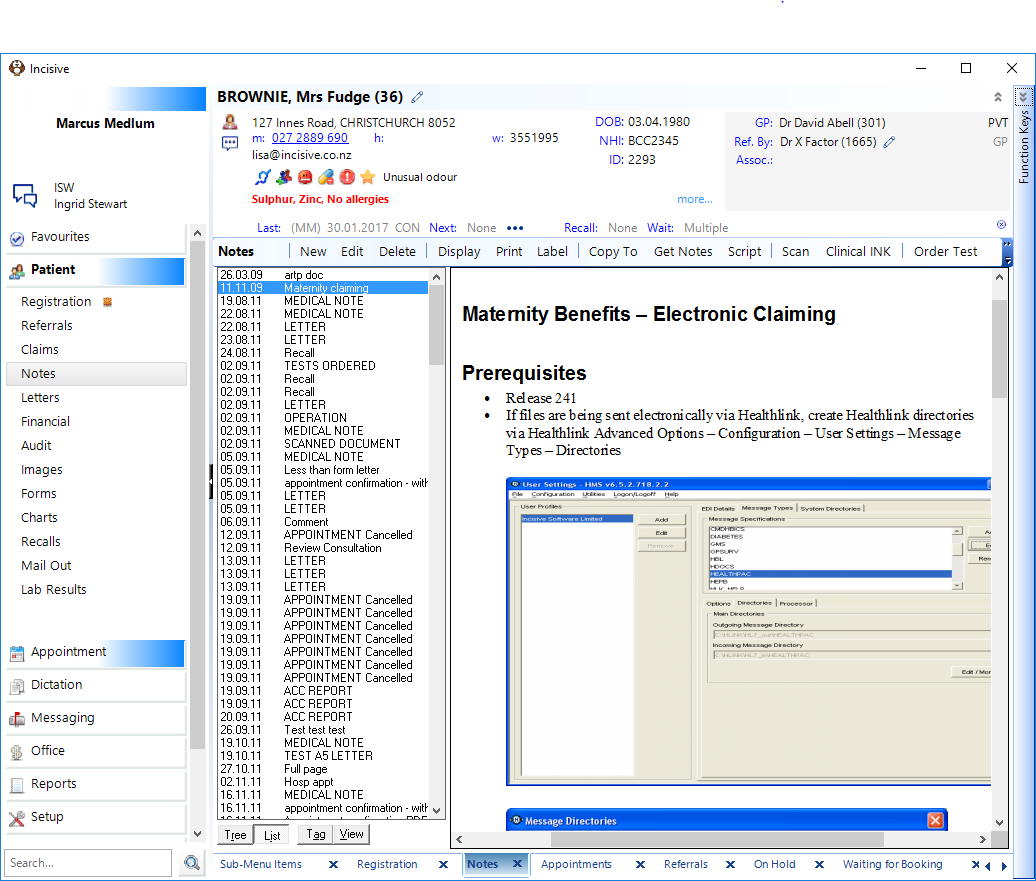
Command Buttons
The Tabs have a display function only. Across the top of each Tab is a set of COMMAND BUTTONS that allow manipulation of the information on that Tab. The core command buttons that are consistent across all Tabs and Modes are:

A core command button appears dimmed if its option is not applicable for that Tab. In the example below, 'New' and 'Delete' are dimmed.

Keyboard activation of a Command Button is by holding down the Alt key and pressing the letter that is underscored in the button name.
All functions, other than simple display of information, are done via windows which overlay the Tab screens:
Mode Buttons and task switching
The MODE BUTTONS are icon buttons (buttons with pictures) down the left of the screen. These allow you to switch back and forth between the modes described above.
Mode Buttons can be keyboard driven by holding down the Control and Alt keys simultaneously and pressing the first letter of the mode name.
You can switch modes with this keyboard manoeuvre even when the mode buttons are not displayed.