Importing MIMS data into SPM
Each month CMP Medica releases a data file with the latest updates to their drugs database. These updates can be imported into the SPM database and used when creating a prescription.
The new MIMS data file will be made available to you either by downloading it from the Incisive web or sent to you as an email attachment.
Importing the data file should be done at a time when no-one is using SPM
To be able to use the MIMS drug list you need to have a valid subscription from CMP Medica
Expanding the data file
Download zip file from the Incisive website and save it in a directory.
- Extract the contents of the zip file to a folder
- Enter the password provided by Incisive
Importing the MIMS data into SPM
- In the Utilities > Import > MIMS
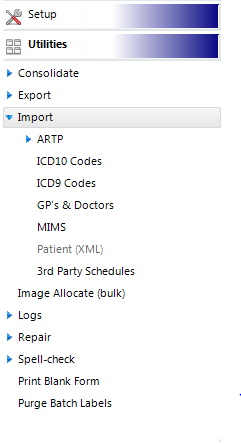
- Select the 'MIMS' button
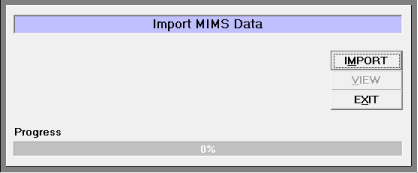
- Click on the 'IMPORT' button
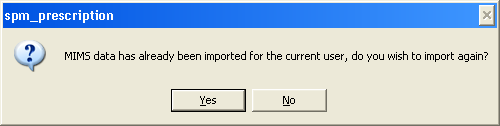
- Select 'Yes' that you want to continue
- Use the options in the dialog box to navigate to the directory that you extracted the MIMS data files into.
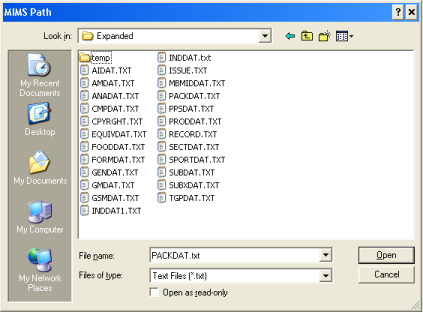
- When you click 'Open' the importing process will start
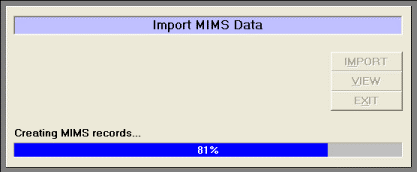
This process can take around 15 – 20 minutes.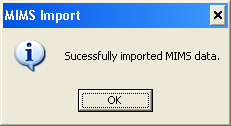
The MIMS data will now be available for writing prescriptions
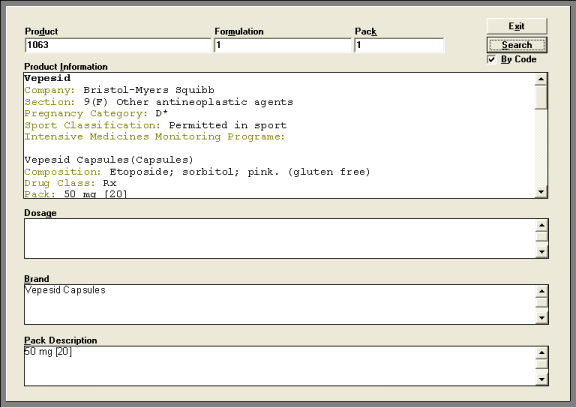
Searching the MIMS database
Searches can be performed for drugs in the MIMS database even though you are not writing a prescription.
- Click on the View button and then enter in the information you want to search for.