MENU
The menu is used to navigate around the application.
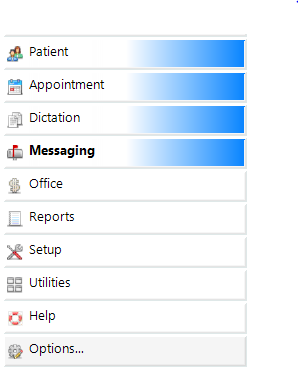
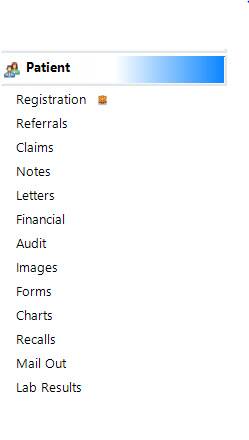
It is broken into Sections, and within each Section there are Branches and Sub-branches.
These are the Sections
These are the Branches and Sub-Branches within a Section
Toolbar
The Toolbar is at the top of the main form and has Buttons that preform functions related to the form.

As you move the mouse over the Toolbar the text changes to look like a button.

When you select a function from the menu, the form opens and a tab appears at the bottom of the application.

You can close the tabs by highlighting the one to close and clicking on the X
If your monitor size or screen display is not large enough to display all of the Toolbar, then a blue arrow and two dots are display at the right hand end to indicate that more options are available,
