Find the Good Patient
Enter the details to search for the patient record you want to keep in the Good ID Code, you can choose which method you wish to Search By. You might need to click back into the Good ID Code field and hit enter to get the results to show.
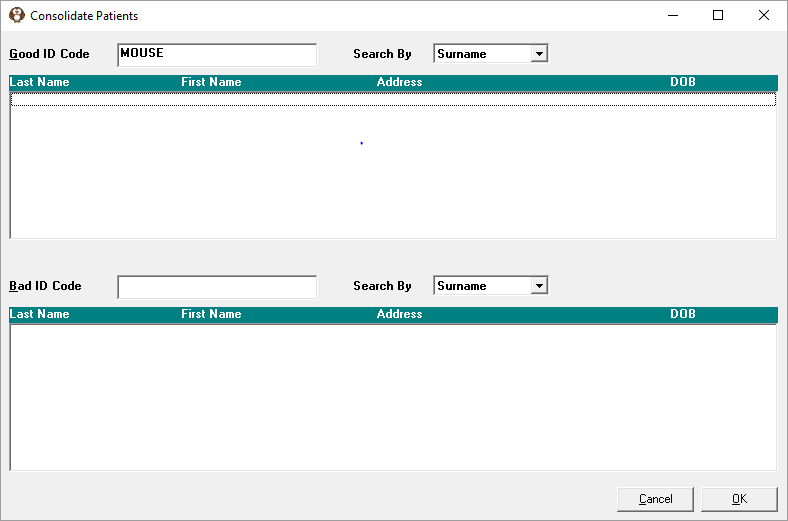
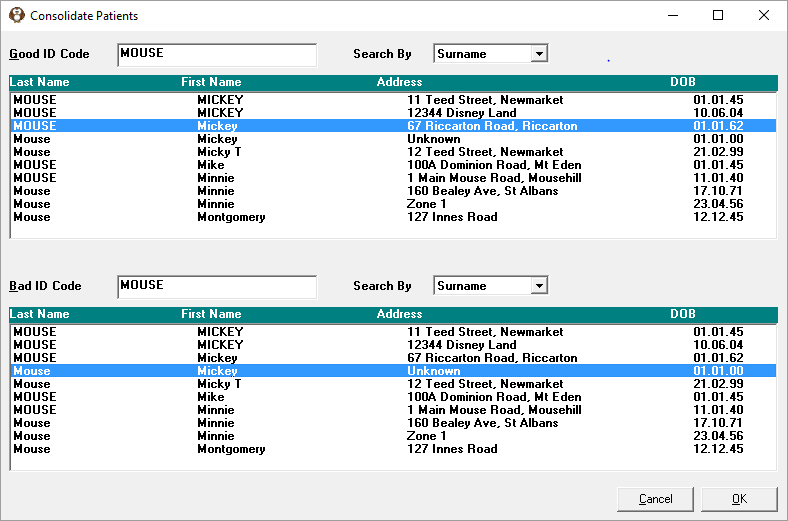
Click on the Patient record you wish to keep. Enter the details to search for in the Bad ID Code field, you can choose which method you wish to Search By. Click back into the Bad ID Code and press the Enter key, click on the Patient you wish to get rid of. Press OK.
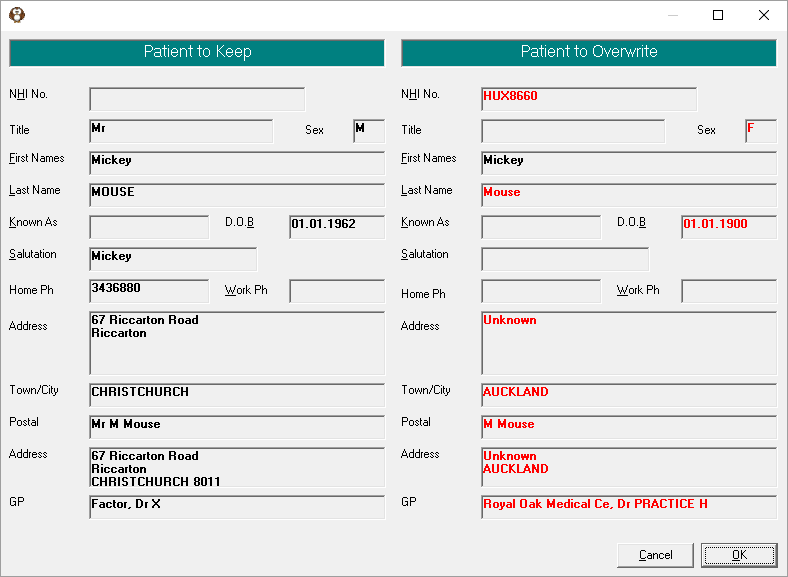
It will come up with Patient to Keep details with the Patient to Overwrite details, all the differences will be highlighted in red. If you are sure you want to continue press OK, if not press Cancel.
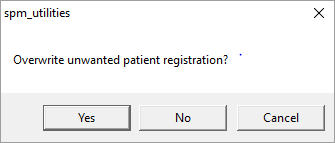
If you press OK it will come up with this message, it is just making sure you have selected the right Patients and the right way round because once you Consolidate them you cannot reverse it. Press Yes if you are happy with your selection.
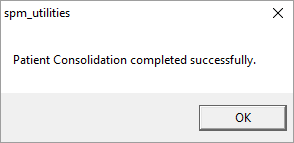
This message will come up.
If you press Cancel this message will come up, press Yes to exit.