Office - Invoices - Close-off Period
The Close-off Period option prevents (financial) data from being inadvertently entered into the past where the period has been reported and / or reconciled.
- Select 'Close-off Period'.
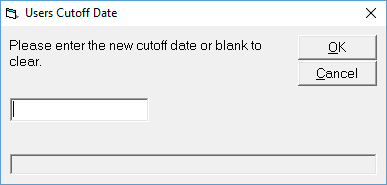
- Enter the new cutoff date (of leave blank to clear).
- Select 'OK' to save.
To enter a cutoff date up to the end of the month, enter the date as the first day of the next month. i.e. to close-off the month of September 2016, enter the date as 1.10.2016.