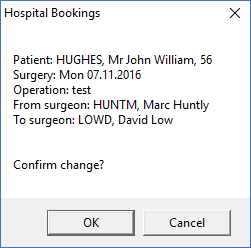
From time to time the surgeon that the procedure was booked against may change. I.e. a DHB list may be covered by a number of different surgeons and the actual surgeon for the list may change at the last minute (from the one originally rostered).
The utility to Change Primary Surgeon will change the various linkages in the database.
Utilities - Booking - Change Primary Surgeon
- Select the patient from the Patient Selection screen.
- From the list of surgeons, highlight the one who will be performing the surgery,
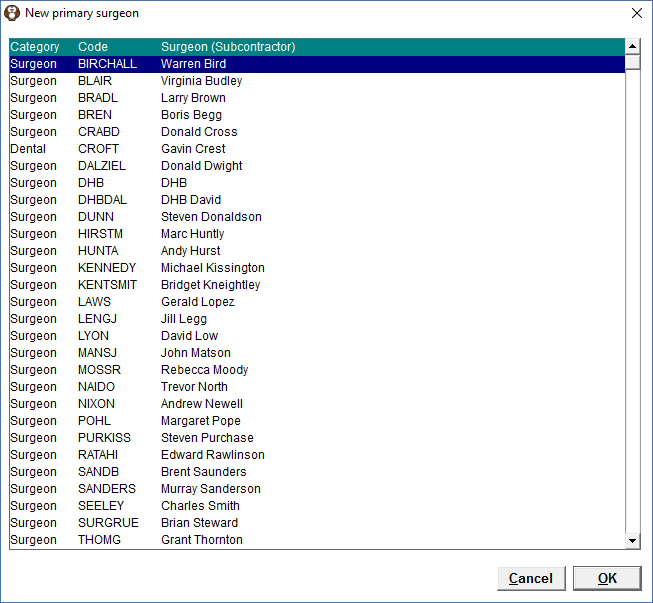
- Select "OK' to save the changes.
- Confirm the change by selecting 'OK'.