The referral is very important as it allows the referred User to create their own records about this patient. 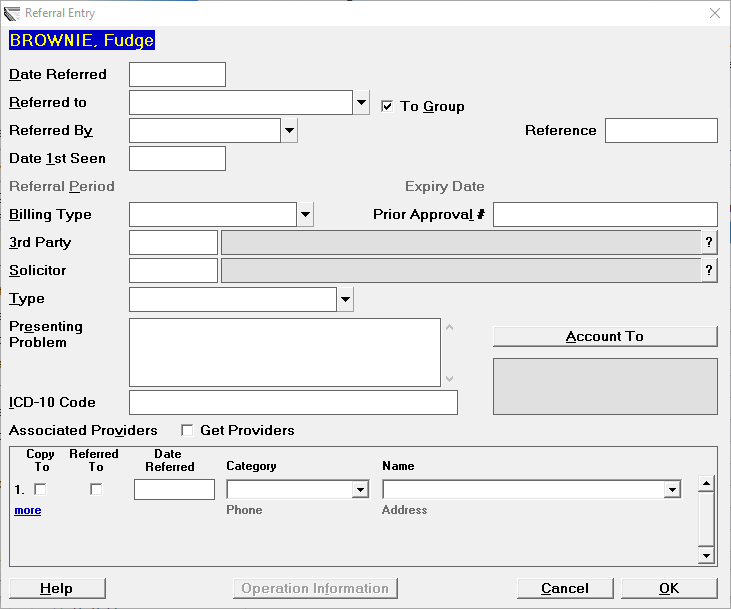
A new referral should be created for any new episode of care, even if the patient has been treated by you previously for a separate problem.
- Enter the 'Date Referred'. If it is today, you can just press the Enter key.
For Medicare (Australia), the Date Referred must be the date on the referral document. If this is unknown when making the referral, enter today's date, and adjust when you do have the referral document.
- Select the doctor to whom the patient is being referred to.
- Choose the category of the referrer
Select from the list the appropriate referred by category, and depending on the category chosen, someone from the address file.
The list in the referred by field comes with 3rd Party, ACC, GP, GP Locum, GP Other, Self-Referred and Specialist as standard. Other categories can be added via Setup Selection Lists Category. 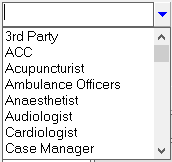
- 'Date 1st Seen' is an optional field and should not be completed until the patient presents at the practice.When an appointment is made for the patient, the date of the appointment will automatically be inserted into this field.
- 'Referral Period' is optional. If enabled it will calculate the 'Expiry Date' of the referral.Default referral periods can be linked to the Address Category of the referrer. _Setup Address File Address Category_
- 'Billing Type' is important as this indicates how you are expecting to receive payment for the future services you provide, and will set the fees you will charge.
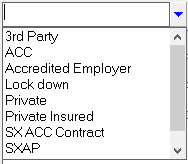
If the Billing Type selection is linked to someone other than the patient, a '3rd Party' field will appear allowing you to select the appropriate Payor. 
Start typing in either the Code or Name of the 3rd Party. As you do so, a form will appear to allow you to complete the search. Click 'Search' to search through all the parties that have been entered into _Setup Address File 3rd Party Billing/Reports{_}.
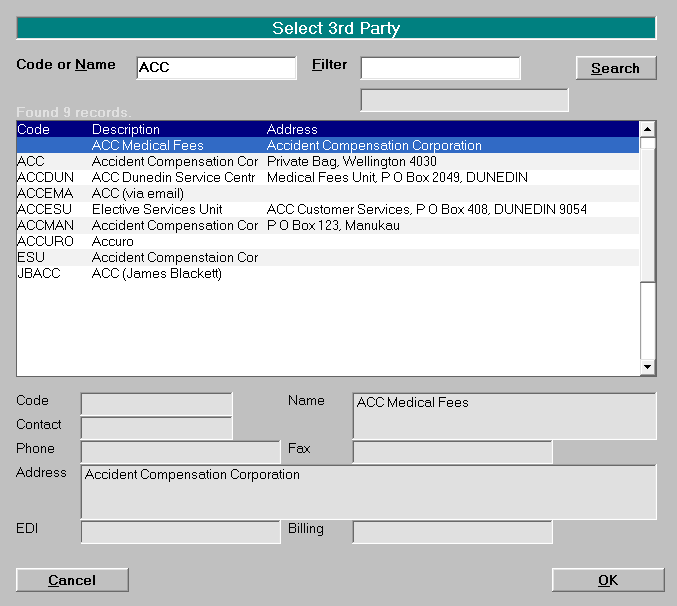
Select the Party and click OK.
The Presenting Problem field allows you enter free-hand text relating to the reason for the referral.
Complete the other referral options if required. Click OK to save and exit.
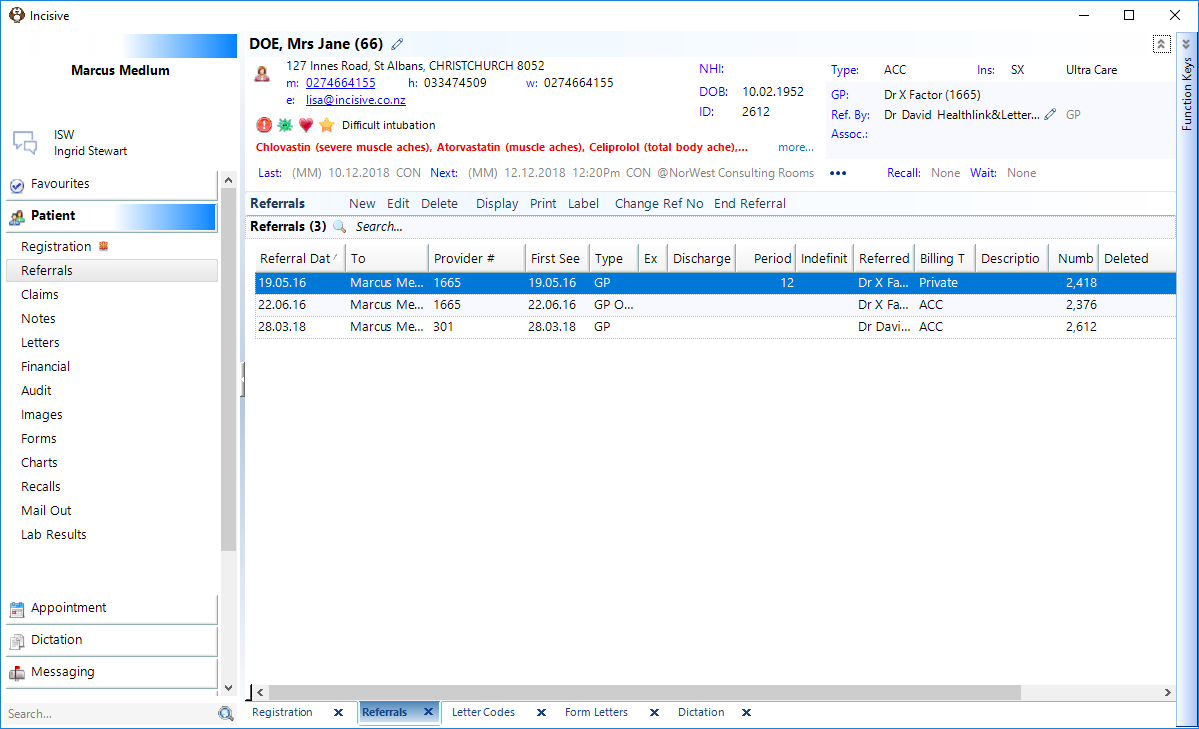
If the 3rd Party, that is linked to the Billing Type, requires a Claim number to be included with the invoice, you will be forwarded to the Claims section so that you can enter information relevant to the claim.