In the Appointment Book, make the appointment as usual. Search for the patient. If patient is not found use the New Patient button.
An abridged version of the Patient Registration screen is presented, to allow you to collect the minimal amount of information needed.
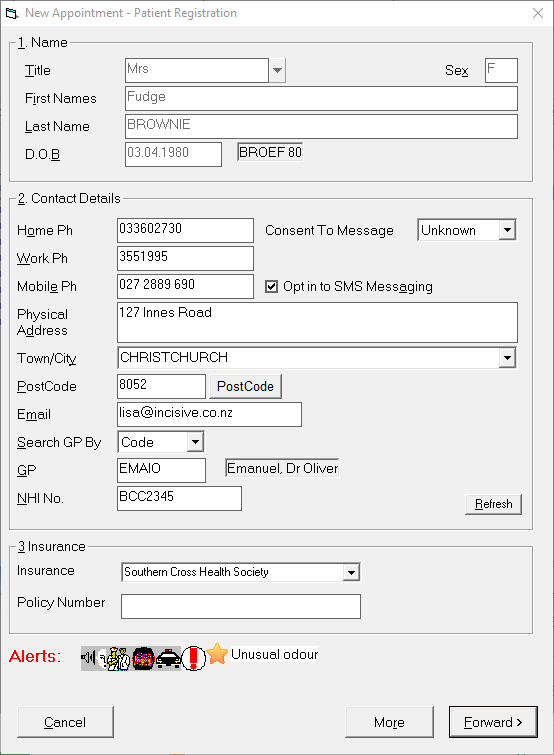
Select 'Forward' to proceed
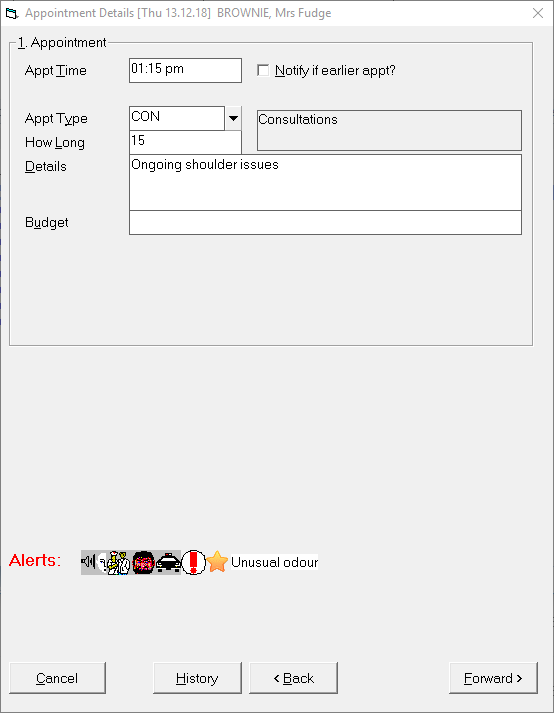
Enter the appointment details.
Enter a new referral.
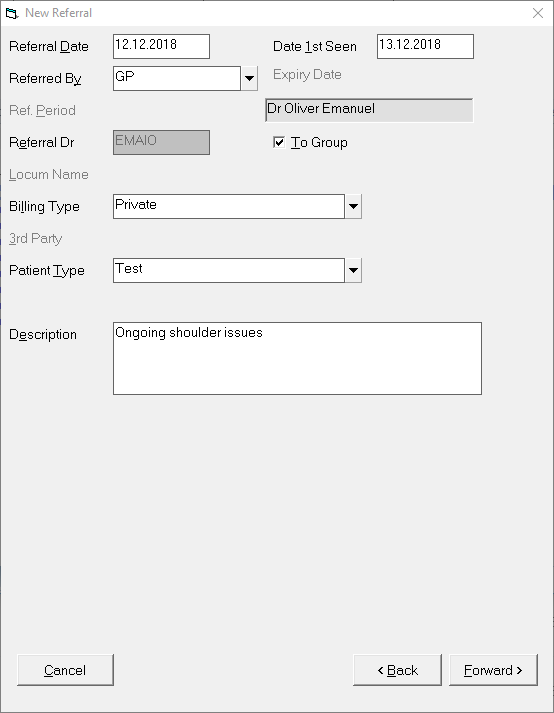
Select 'Forward' to proceed.
Enter claim information if required by the Billing Type / 3rd Party
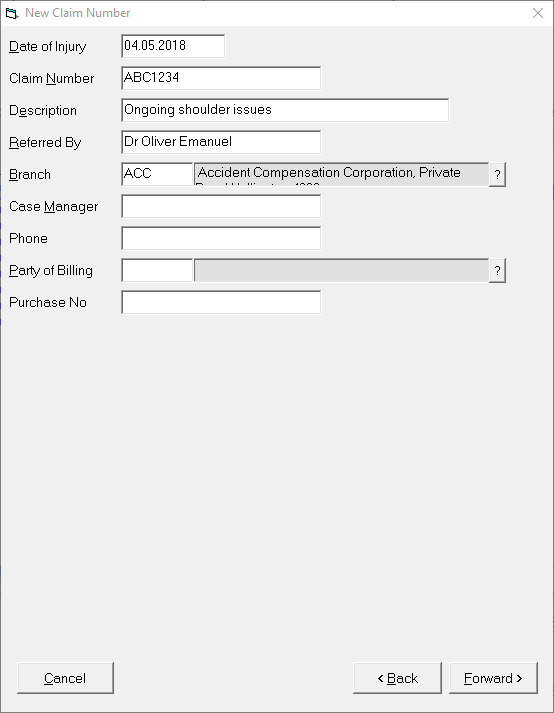
Select 'Forward' to proceed.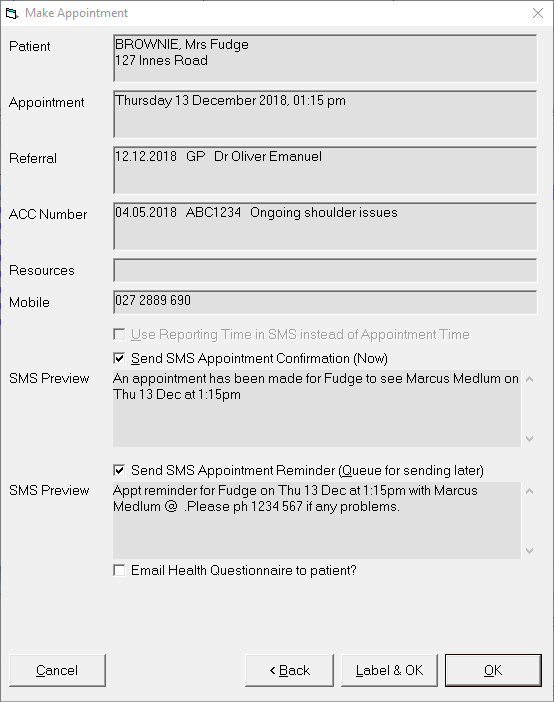
Confirm the booking with the patient and click OK to finish .
The appointment is made.

Patient added and Referral created.