In the Appointment Book module, go to the date for the appointment and either double-click on the time, or select _New Appointment_ from the Toolbar

Search for the patient
If patient is not found use the New Patient button.
An abridged version of the Patient Registration screen is presented, to allow you to collect the minimal amount of information needed.
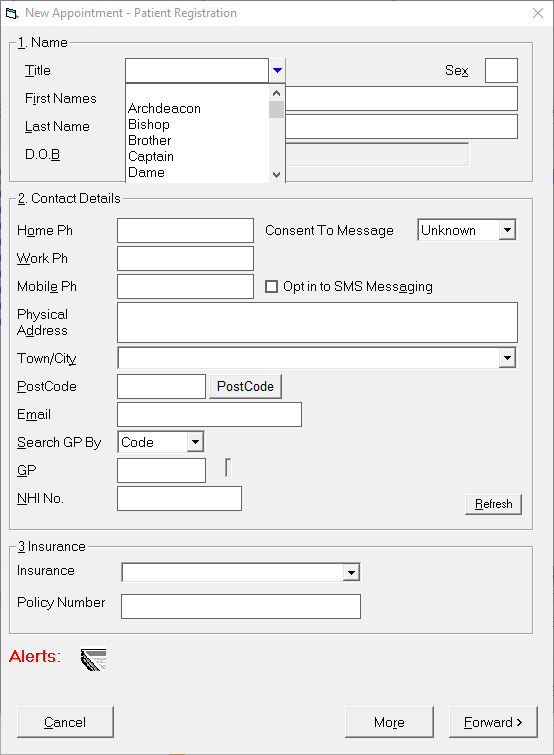
If additional information is to be added to the patient's registration you can select the 'More' button to be taken to the usual Patient Registration form.
Select 'Forward' to proceed to enter the appointment details.
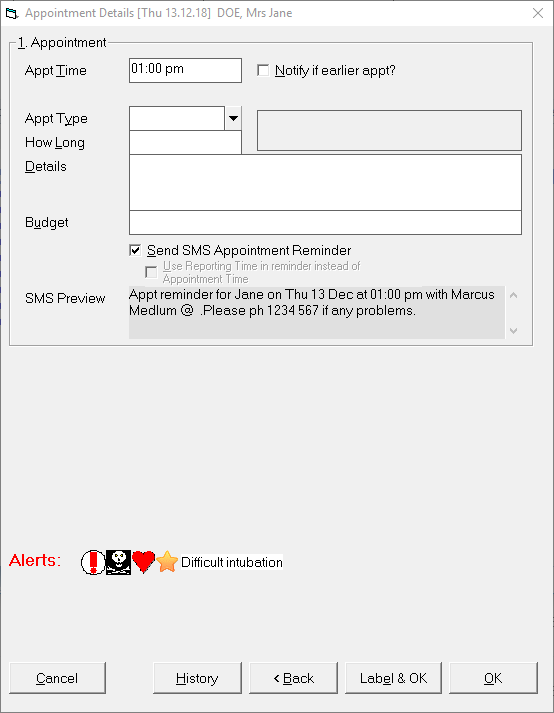
Click OK to finish the appointment.
