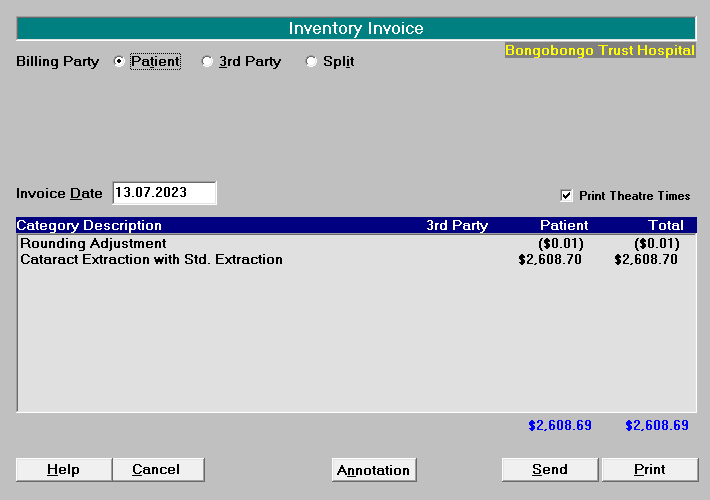
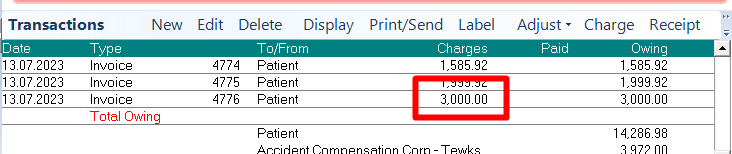
If you are wanting to have the amount charged for a fixed price procedure, rounded to a dollar amount, the GST exclusive amount will sometimes calculate a final amount with several cents difference.
For example: $2608.70 + GST ($391.30) = $3000.01
$2608.69 + GST ($391.30) = $2999.99
The easiest way to adjust the final amount on the invoice, is to add a ‘Rounding adjustment’ item of +1 or -1 cent and add it to the StockUsed when invoicing.
Create a new Category in Setup > Operations/Procedures.
Call it: Code = ROUND; Description = ROUNDING ADJ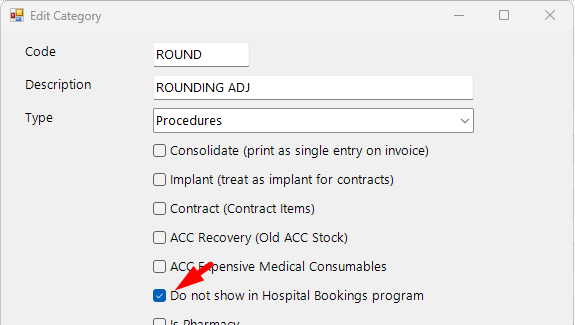
Create a new Procedure Item in Setup > Operations/Procedures
Call it something like: Code = ROUND-1; Description = Rounding Adjustment
Change the Pricing Method to ‘$GST INC'
Enter the amount -0.01
Change the GST to ‘NO GST’
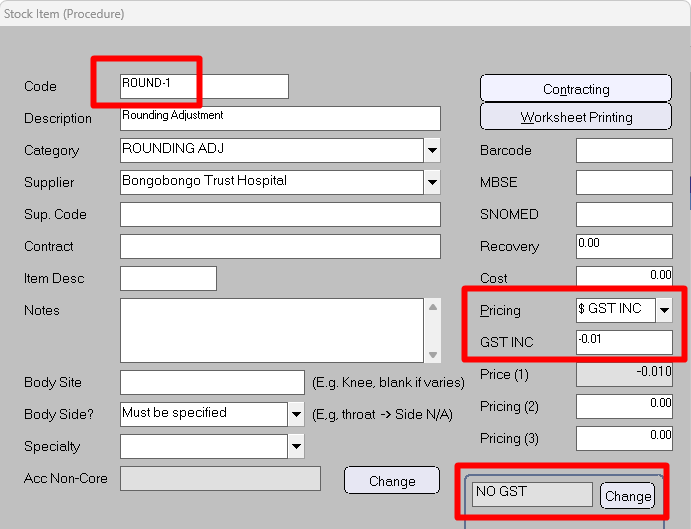
Add another Procedure Item called ‘ROUND+1’ and enter the amount or 0.01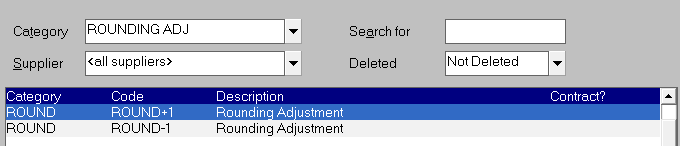
Enter both the procedure and the rounding item in the Stock Used tab

Complete the invoice