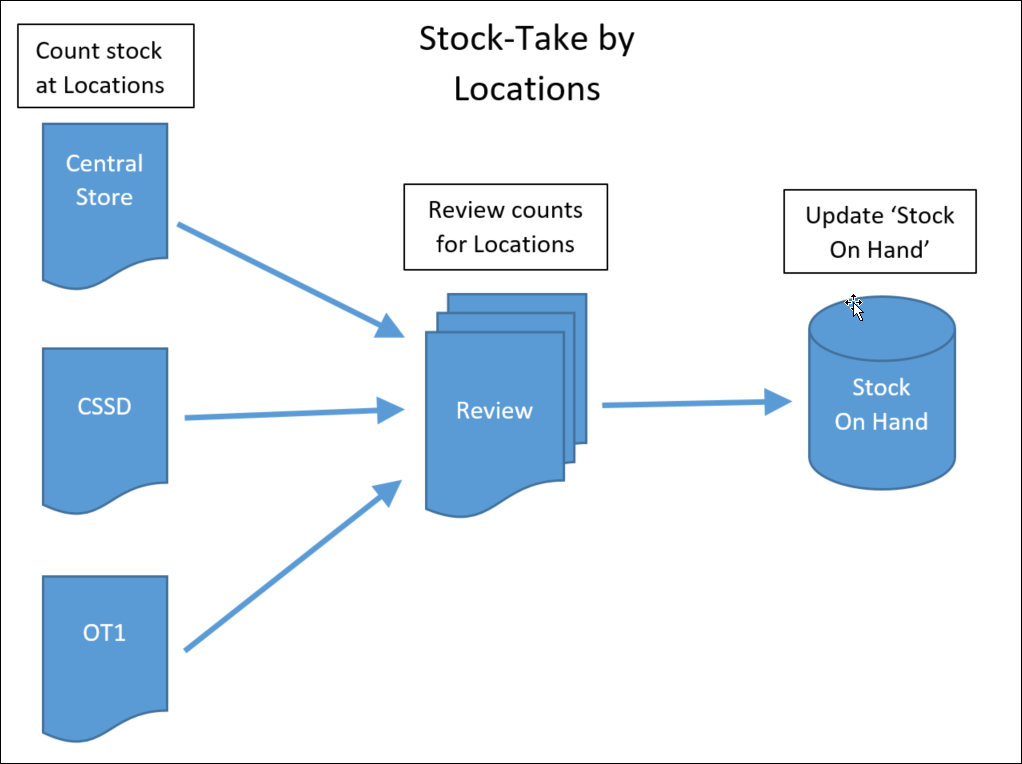
This example can be sectioned into three components
- Pre stock-take
- Processing the stock-on-hand count values
- Post stock-take reporting
Pre stock-take
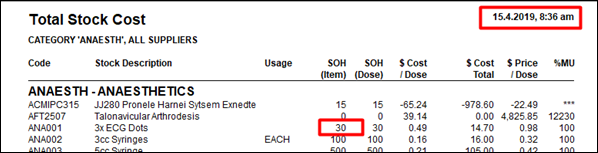
Stock on Hand report at 15.4.2019 : 8.36am
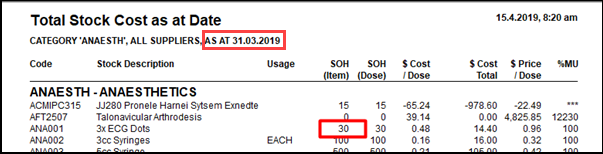
Stock on Hand -As At 31.2.2019 – before processing count values
Enter the actual Count values (Edit Stock On Hand)
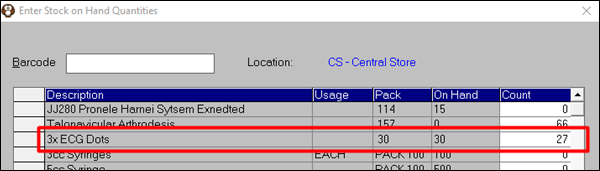
Review the count values entered and use the Edit function to make any adjustments)
Stocktake by Location report - choose NOT YET PROCESSED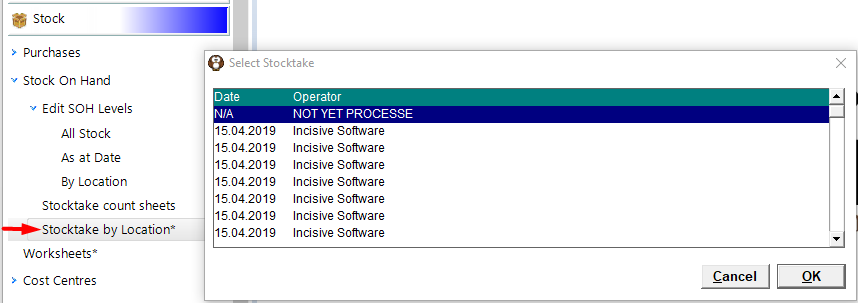
Updating the Stock-On-Hand quantities (Processing)
Process all outstanding stock adjustments (counts) – as at 31.3.2019
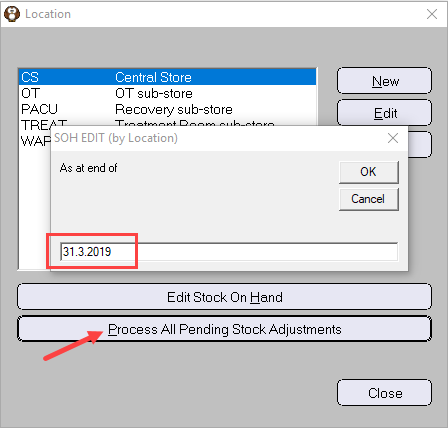
Stocktake by Location – after Processing the count sheets

Stock on Hand – back-dated to 31.3.2019
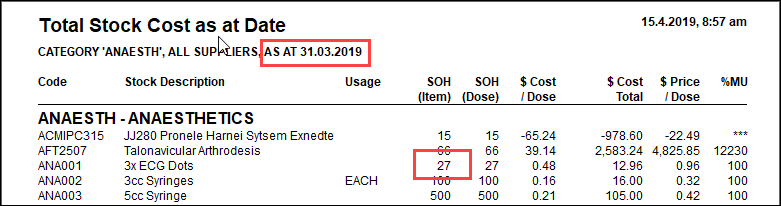
After the stock-take processing
To demonstrate the effect of invoicing (or stock purchased) during the stock-take process we have included
an invoice for a patient on 13.4.2019 – used 4 ECG dots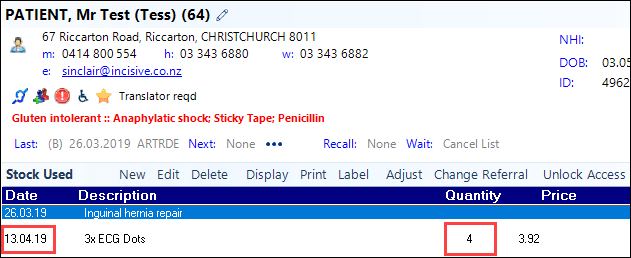
Item History report (use 'Invoice Date')
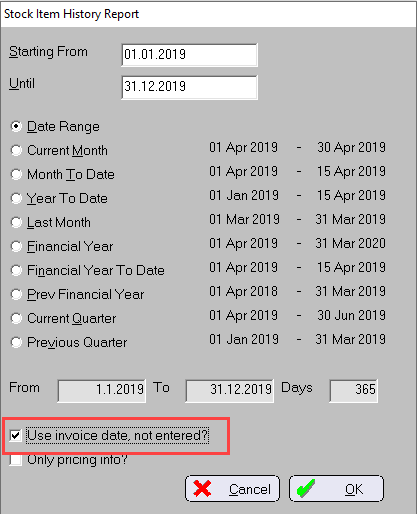
The 'Adjustment' is the result of the updated quantity from the Stock-take by Location processing (from 30 to 27)
The 'Stock Used' is the result of the item included on an invoice.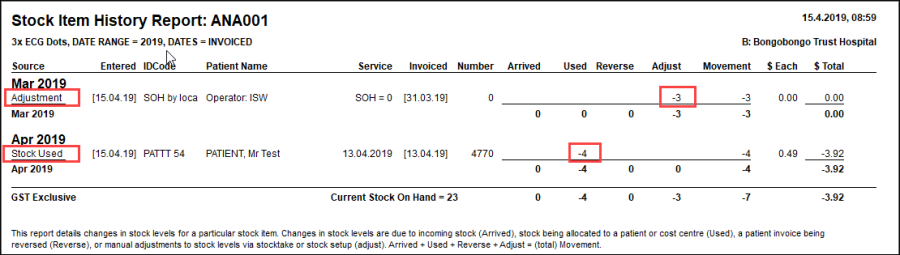
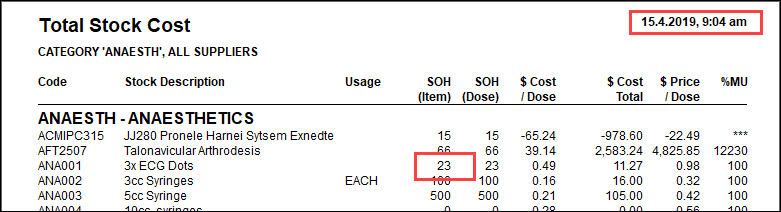
Stock on Hand at 15.4.2019 : 9.04am – less the 4 items invoiced since stock-take date