To display invoices for a specified date range
Office > Invoices
From the Invoices tab select Display.
Select options as required.
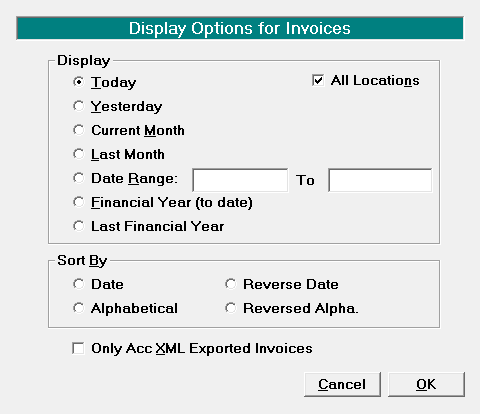
- Select 'OK' to save your selection.
- The results will display on the Invoices tab.
Display | Select the date range to display. Choose from:
|
All Locations | By default this option is checked on. If you only want to display Invoices for the location you are currently logged in against, remove the tick. |
Sort By | Select the option to sort by. Choose between:
|
Only ACC XML Invoices | Select this option to filter for invoices generated as an XML file to upload to ACC. |