A report of SMS Message Activity can be found in Reports > Management Reports > SMS Messages.
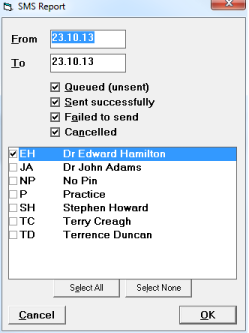
- Select the From and To period to report.
- Select all or some of the following (by default all are selected):
- Queued (unsent)
- Sent successfully
- Failed to send
- Cancelled
- Select which Users to report for.
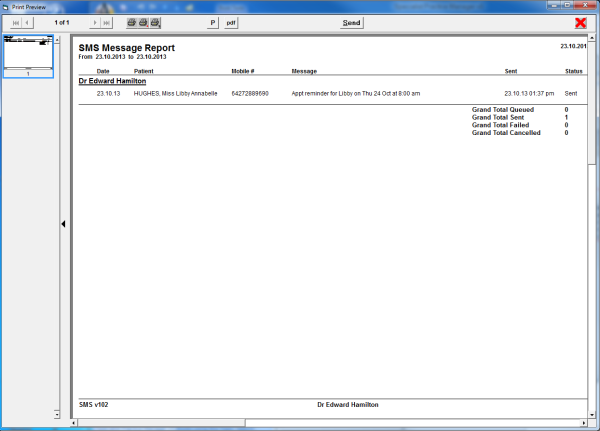
The SMS Message Report shows the date the SMS Message was queued, the patient name, mobile number the SMS message will be sent to, and the message, together with the status of the message.