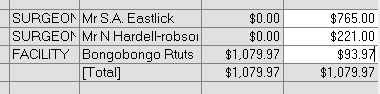
This is an advanced function and should only be used if you are aware of the potential ramifications to your accrual reporting.
Occasionally you might need to make adjustments to the amounts owed to sub-contractors AFTER the invoice has been raised and printed. The most common occurrence is if you have received a late invoice from the anaesthetist or you have not updated the allocations to the sub-contractors for the Procedure.
e.g
Currently:
FACILITY $10,292.19
ANAESTH $1,326.91
SURGEON $3,857.10
Needs to be changed to:
FACILITY $10,026.25
ANAESTH $1,394.98
SURGEON $4,054.97
The allocations must still sum to the total of the invoice, so you will be removing an amount from one sub-contractor and allocating it to another.
- Search for the patient that the invoice was raised against
- Select the invoice that you want to make the allocations against
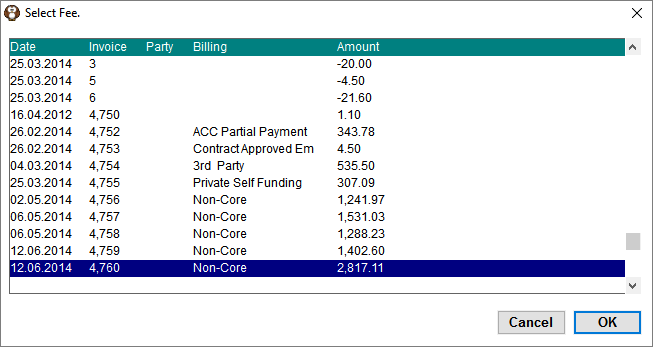
- Use the 'Other Subcontractor' button to select an additional sub-contractor. They will be added as a new line to each invoice item.
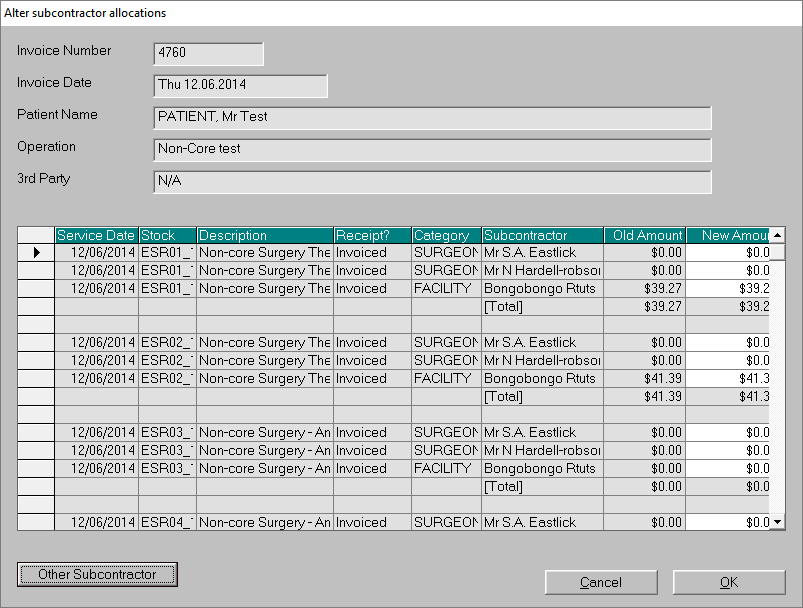
- Change the allocations in the 'New Amount' column.
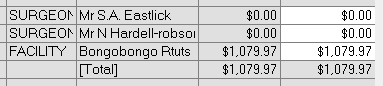
As you enter in the new values it will automatically adjust the original allocation. The allocations must equal the 'Total' value.