This option allows you to list the HL7 based messages that have been sent or received and also check that the messages you have sent have been delivered to the intended recipient's mailbox.
The Unacknowledged Messages Sent option should be used daily, or at the very least, weekly, so you can check that the intended recipients are actually receiving the letters.
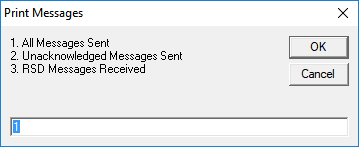
- All Messages Sent
List all the HL7 messages sent out of your system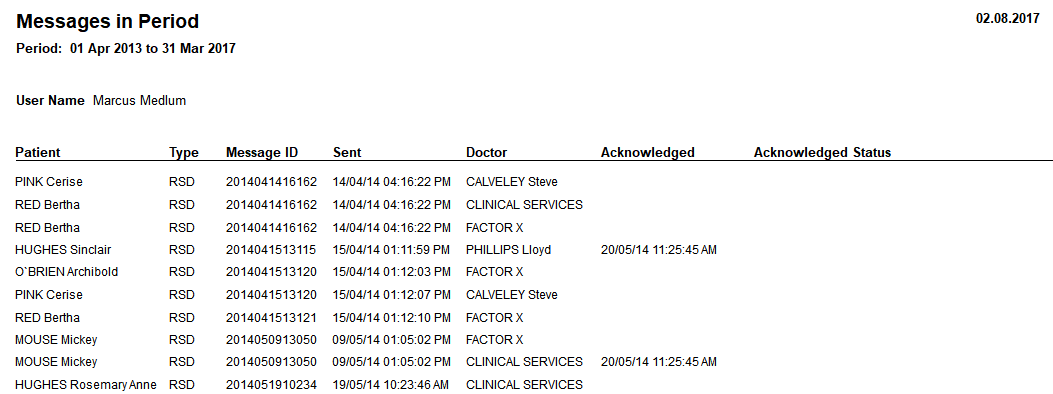
Unacknowledged messages Sent
List the HL7 messages sent that have not yet had an Acknowledgement message returned. This means they have not been imported into the recipient's PMS application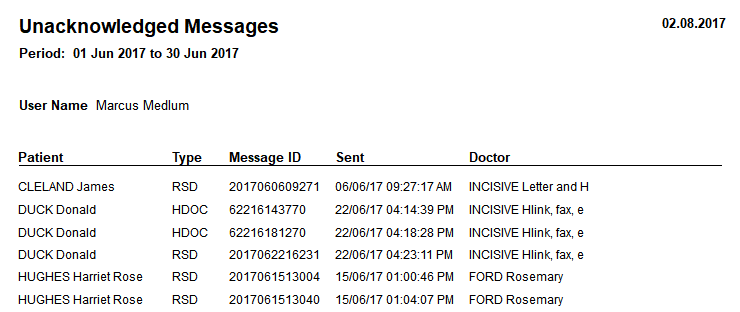
- RSD Messages Received
List the incoming HL7 messages of the type RSD (Referral, Status or Discharge). These are usually referral letters sent to you.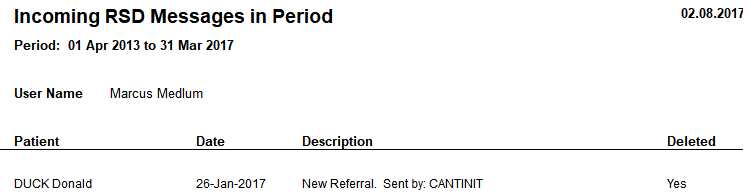
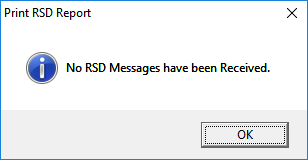
If none have been received the following message will appear.