Data that is entered to the patient notes can be further classified by sub-types. To enable this, you first need to enter the sub-types.
Setup - Selection Lists - Note Sub-Types
To add a new Note Sub-Type
- Select 'New'.
- Type the name for the sub-type.
- Select the type of Note entry the sub-type pertains to from the drop down.
- Select 'OK' to save the new Note Sub-type.
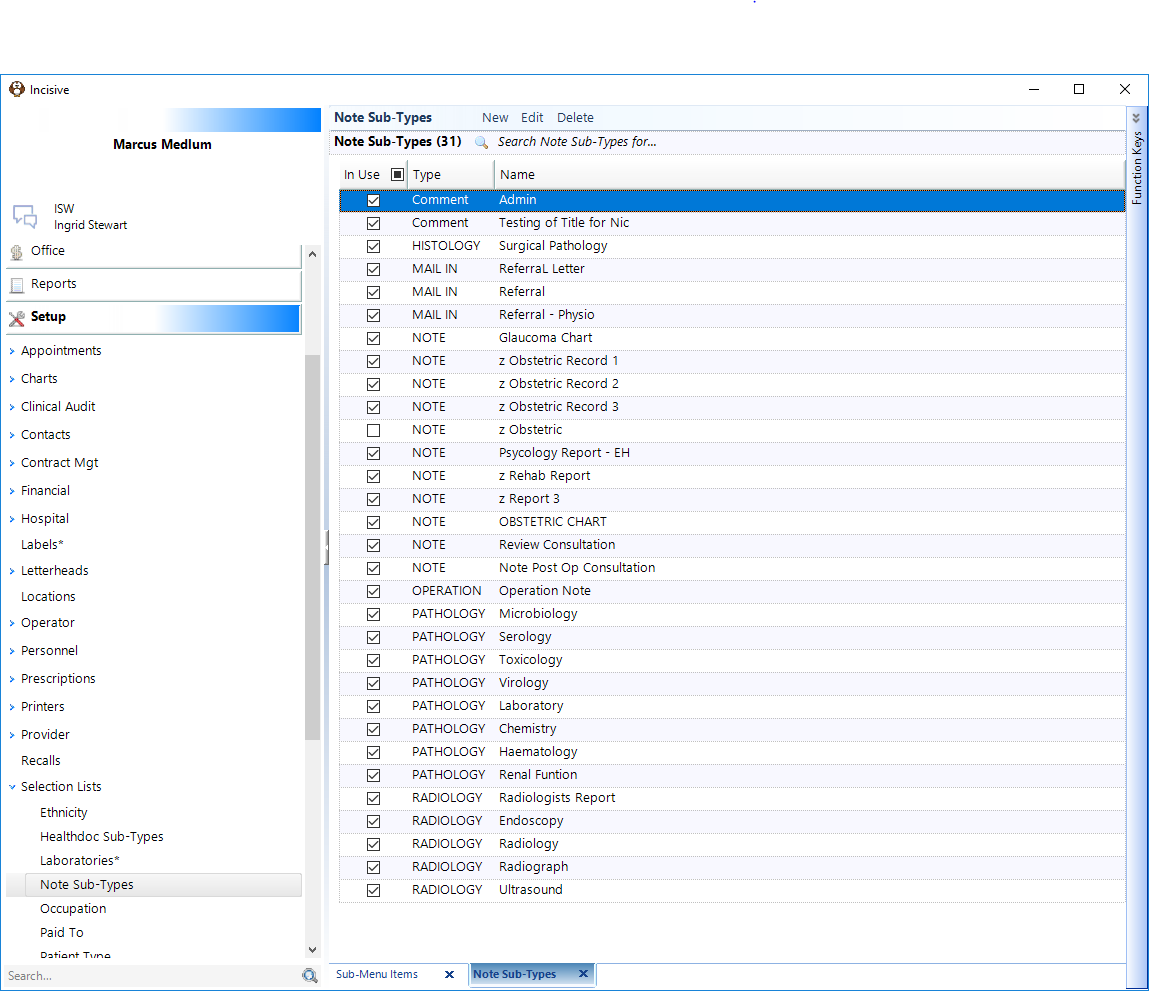
COMMENT | A comment is used when the patient has not been seen, i.e. to record a (clinical) phone conversation, i.e. not about a financial aspect. |
HISTOLOGY |
|
MAIL IN | Mail In is mail received electronically as a message, i.e. HL7 where the message type is not a laboratory result, i.e. an RSD message or a HealthDoc. |
MEDICAL NOTE | This note type should be used for a patient encounter with the Provider. |
NURSING NOTE | This note type should be used to record patient encounters with the nurse. |
OPERATION | This note type should be used to record Operative Reports. |
PARAMEDICAL NOTE | This note type should be used to record patient encounters with other |
PATHOLOGY |
|
RADIOLOGY |
|