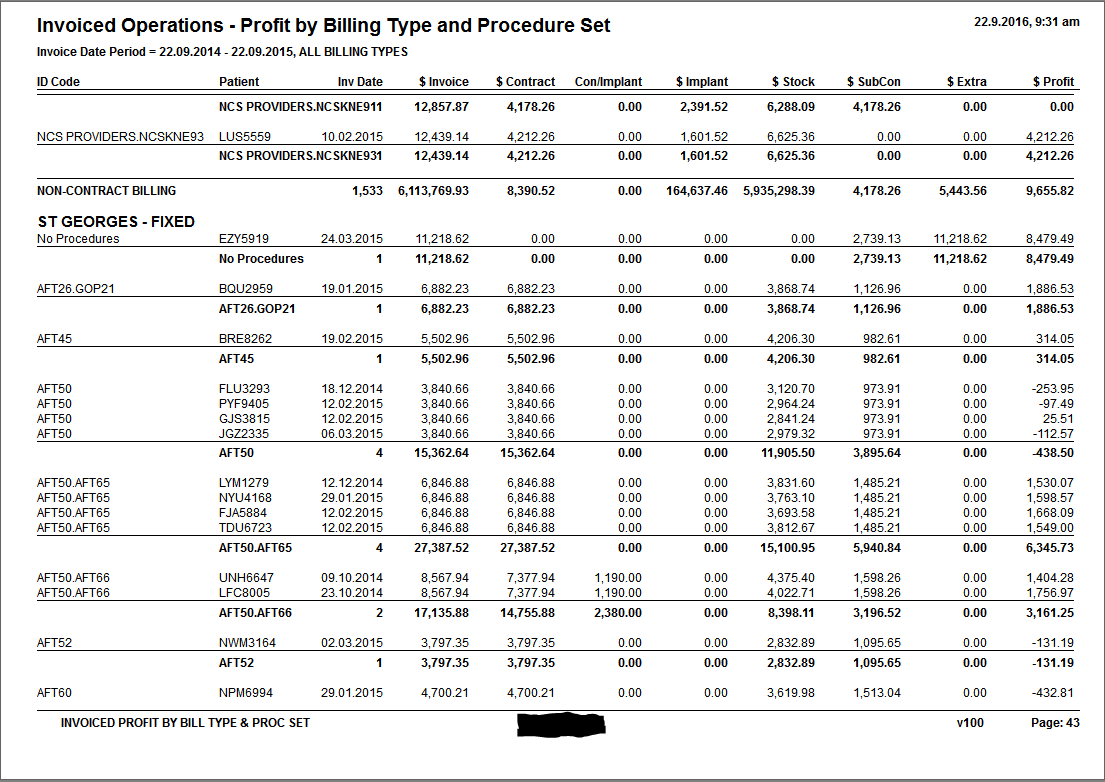
DESCRIPTION: | Groups all the invoiced operations by Billing Type the Procedure Set. The Billing Types that are non-contract are consolidated into one group and are treated as Costed-Up procedures. The Procedure Sets allow you to get a total for a particular operation which always includes several procedures. This report is very useful for finding the profitability of Fixed-Price or Costed-Up operations. It is also used to assist with the preparation of value used for quoting. The Category used for the procedure items must use the Type of 'Procedure'. |
REFERENCE: | Invoiced Profit By Bill Type & Proc Set |
VERSION: | 1.04 |
AUTHOR: | Charles |
CREATED FOR: | Kensington Hospital |
CHANGE HISTORY:
Date | Programmer. | Version. | Change made |
1.6.2016 | CF | 1.0 | |
15.5.2017 | CF | 1.01 | Added the ability to filter by Day-Stay/ InPatient or Other. Other includes those not yet discharged or those who have been invoiced but not admitted [medica]). Also added an Export function which includes Length Of Stay (LOS) data as well |
CF | 1.03 | Added the ability to filter by surgical procedure | |
CF | 1.04 | Included ACC Non-core invoice transactions |
EDITION: |
|
MENU NAME & KEY: | ( P1168) Invoiced Operations Profit - Extended |
OPTIONS:
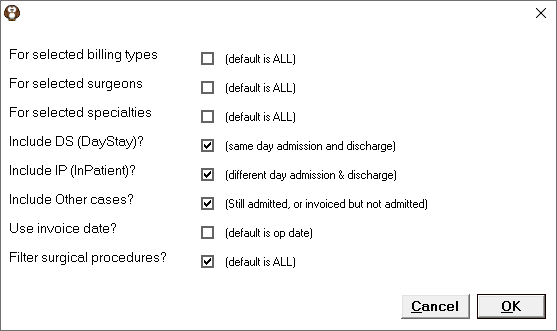
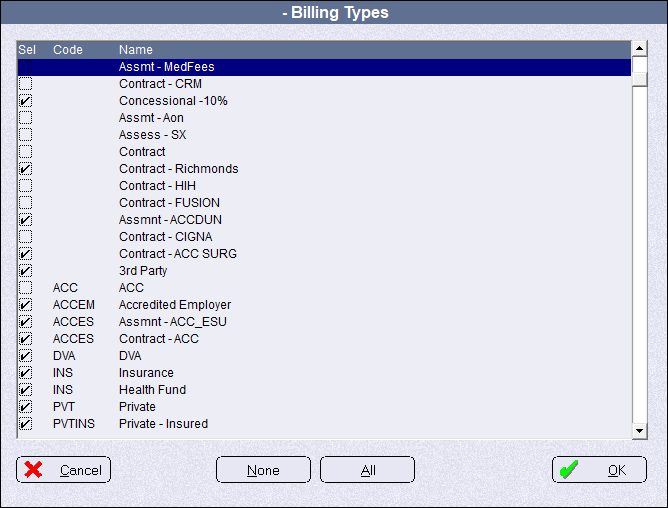
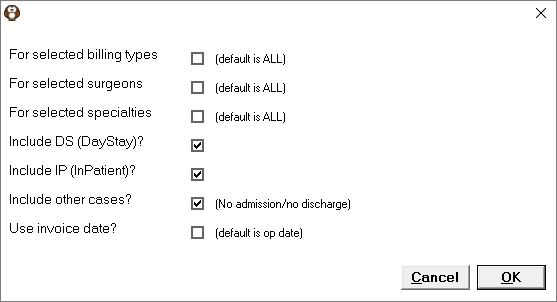
For selected Billing Types | A list of all the active Billing Types is presented. The report is filtered to only include invoices that were produced using the selected Billing Types.
| |
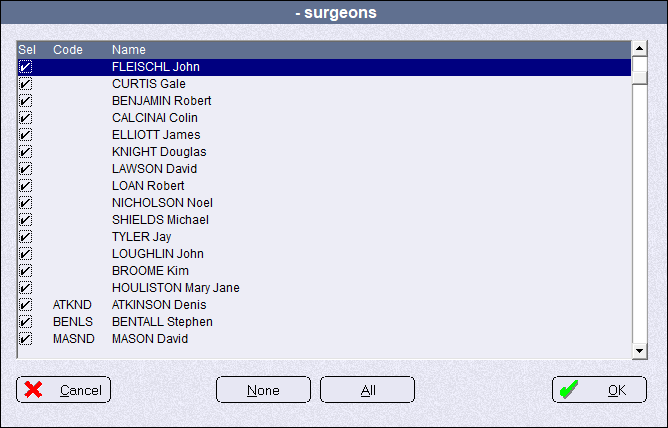
For selected Surgeons | A list of all the active Surgeons is presented. Surgeons are from the sub-contractors list. The report is filtered to only include invoices for operations on patients that were included on theatre lists for the selected surgeons.
| |
For selected Specialities | This option is not fully implemented yet. | |
Include DS (Day Stay) | Include all patients that were admitted and discharged on the same day. | |
Include IP (InPatient) | Include all patients who were admitted and discharged on different days. | |
Include Other cases | Include patients that don't meet either the Day Stay or the InPatient criteria. For example, those patients still Admitted or those who were invoiced but not Admitted (Medical not Surgical) | |
Use Invoice date | For the date range, use the date the operation was invoiced, not the date of the operation | |
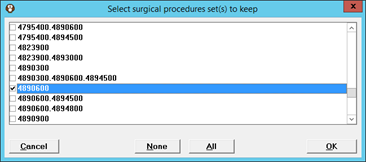
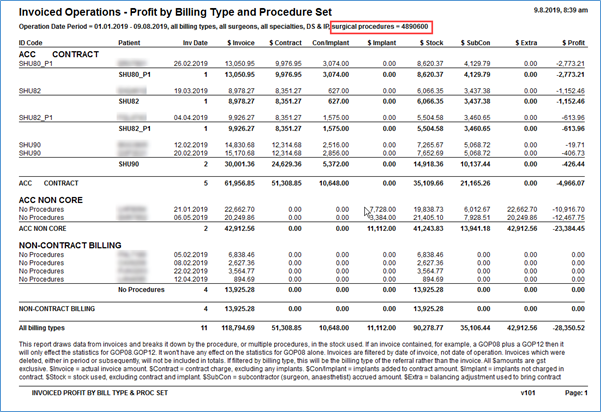
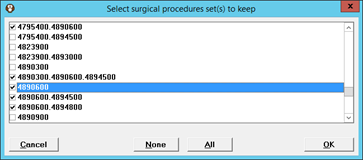
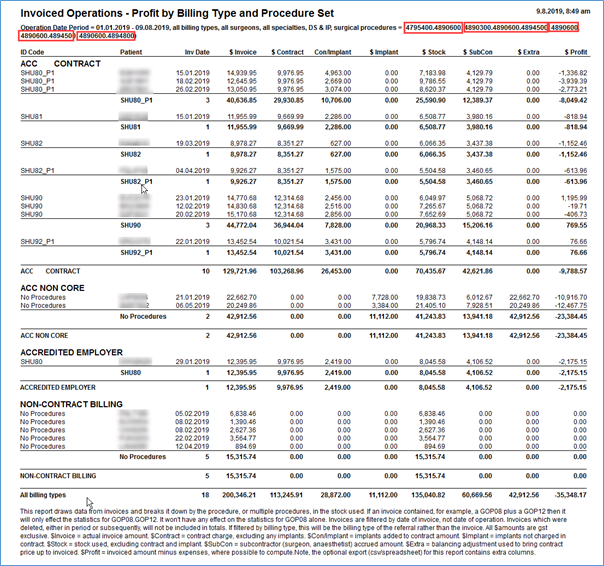
Filter Surgical Procedures | Allow the operations to be filtered for the Procedures that have been completed (marked as DONE) in the Theatre Register. The surgical procedures displayed in the list are those that have been coded when the booking was made and have also been marked in the Theatre Register as DONE, during the period selected. This includes the procedures that were:
Therefore, if the procedure is NOT marked as DONE it is excluded from this report, even if it has been invoiced correctly. You can select from multiple ‘Procedure Sets’ in which the same procedure code is selected, however it may lead to unreliable results as the values will include the other procedures included in the ‘Set’. Equally, you could select multiple different, but similar, procedure codes. 4890600 – Repair of Rotator Cuff
All procedures where a 4890600 (repair of rotator cuff) was performed.
The procedure codes in the selection screen are not sorted by Primary procedures nor Price. |

DEFINITION:
Filters: | Date Range, Billing Type, Surgeon, Specialties & Admission Type
| |
Columns: | ||
Grouping: | The operations are grouped by Billing Type The operations that were invoiced using a Billing Type that is NOT marked as 'Contract' will be aggregated into one group called 'Non-Contract Billing'. The grouping is NOT by Category - which is the case with the standard 'Invoiced Operations Profit' report. | |
Sort Order: | 1st | Billing Type |
2nd | Procedure or Procedure Set | |
3rd | ||
Totals & Avg. | Totals for each Billing Type group |
RECONCILES TO: | This is an indicative report. Because of rounding errors it is not designed to completely reconcile with other reports Invoiced Operations report totals The totals for the non-contract group will not be the same between the two Invoiced Operations Profit reports as the Extended report uses the The overall totals for both Invoiced Operations Profit report will be the same. |
EXPORT: | Procedure Set, Patient NHI, $ Invoiced, $ Contract, $ Contract Implants, $ Implants, $ Stock, $ Subcontractors, $ Adjustments, $ Profit, DS/IP, Length of Stay, Theatre Time, Recovery Time, Ward Time |

EXAMPLE: